How to Set Up Your 8K IPTV Service
Setting up your 8K IPTV service is simple and quick. Follow these easy steps to connect your device and start streaming in 8K resolution:
Connect your device to the internet
Install the 8K IPTV app or software
Activate your subscription and enjoy!
Choose your device and follow the simple steps shown
🤖 Android TV / Box Setup
Download the App
Open Google Play Store on your Android device and search for "IPTV Smarters Pro" or use the download link we provided in your email.
Install the Application
Click "Install" and wait for the app to download and install on your device.
Open the App
Launch IPTV Smarters Pro from your app drawer or home screen.
Login with Your Credentials
Select "Login with Xtream Codes API" and enter:
- Username: (provided in your email)
- Password: (provided in your email)
- Server URL: (provided in your email)
Start Watching
Click "Add User" and enjoy 45,000+ channels!
📺 Smart TV Setup (Samsung/LG)
Access App Store
Open your Smart TV's app store (Samsung Smart Hub, LG Content Store, etc.)
Search for IPTV App
Search for "Smart IPTV" or "IPTV Smarters" in the app store.
Install the App
Download and install the IPTV application on your Smart TV.
Configure Settings
Open the app and enter your login credentials (username, password, and server URL) provided in your welcome email.
Enjoy Your Content
Browse through channels and start streaming in stunning 8K quality!
🔥 Firestick Setup
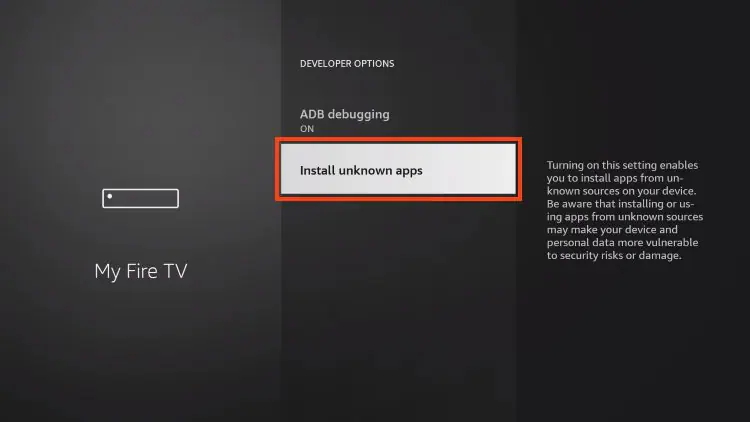
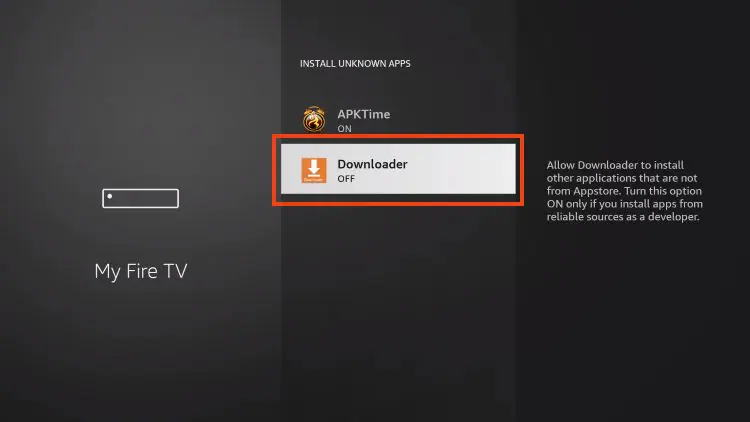
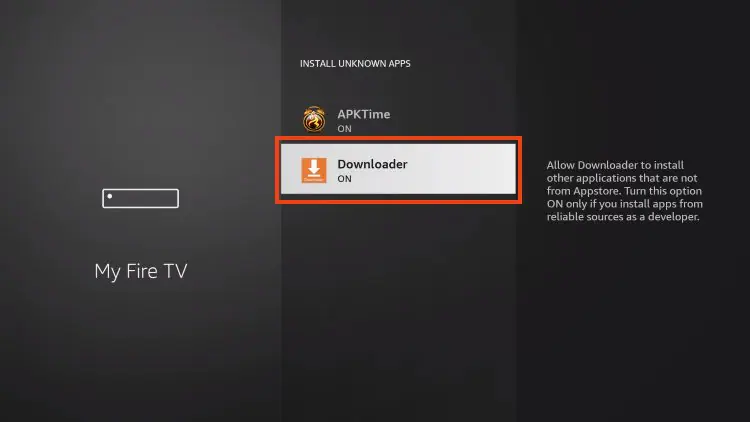
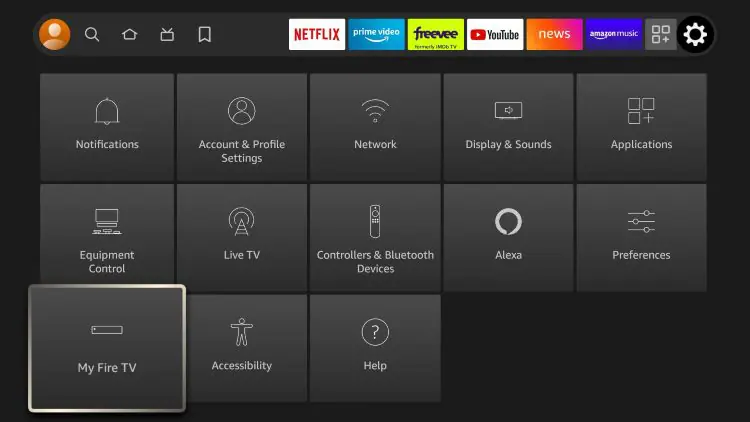
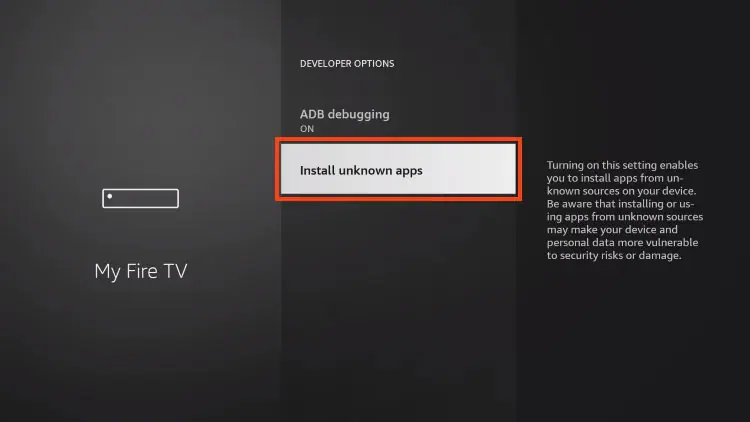
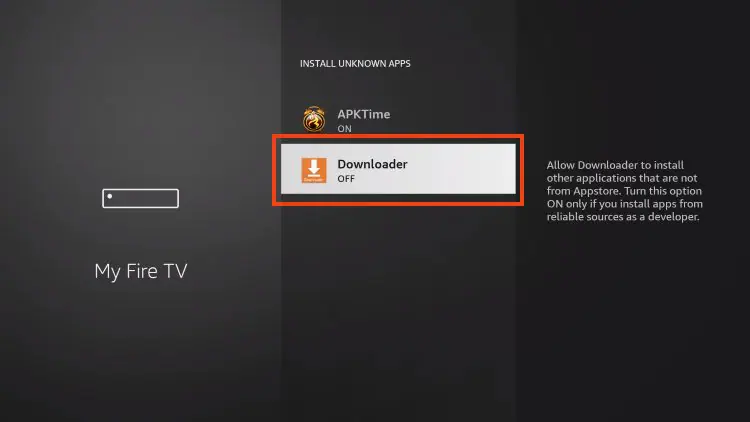
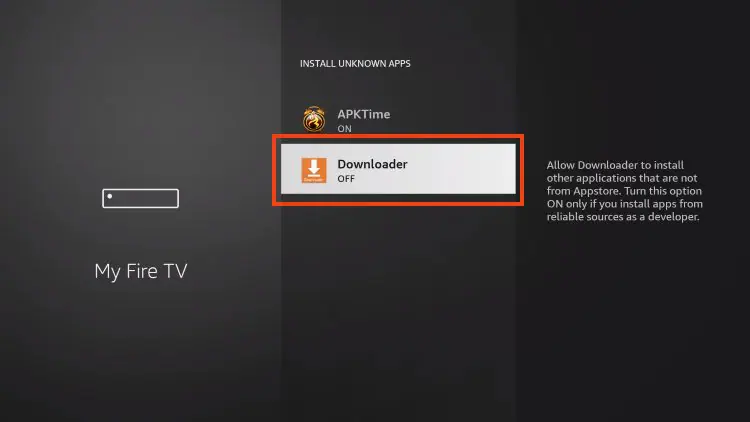
Enable Apps from Unknown Sources
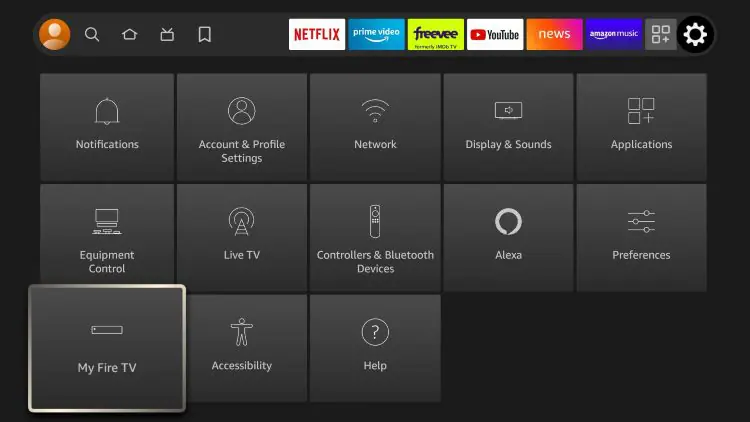
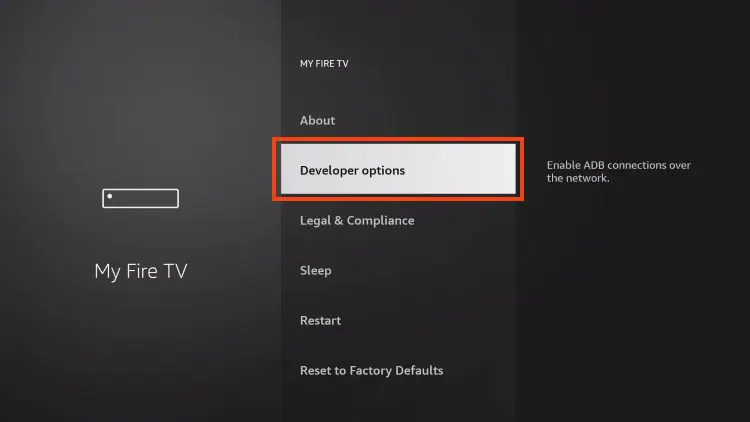
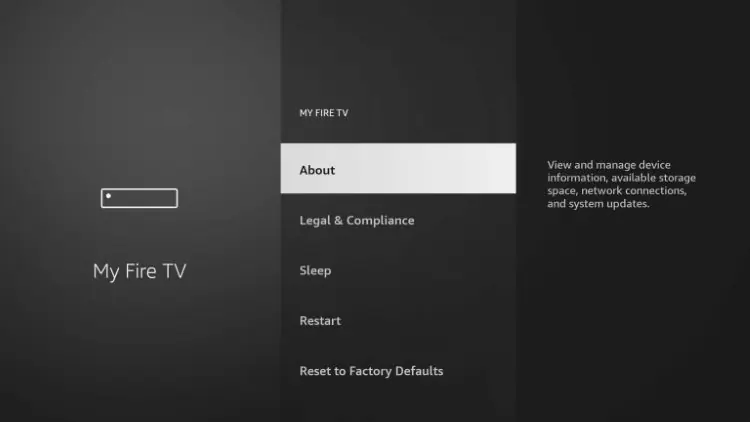
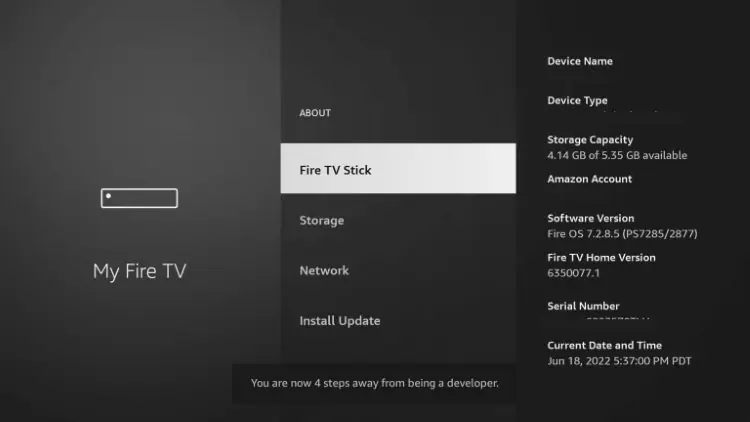
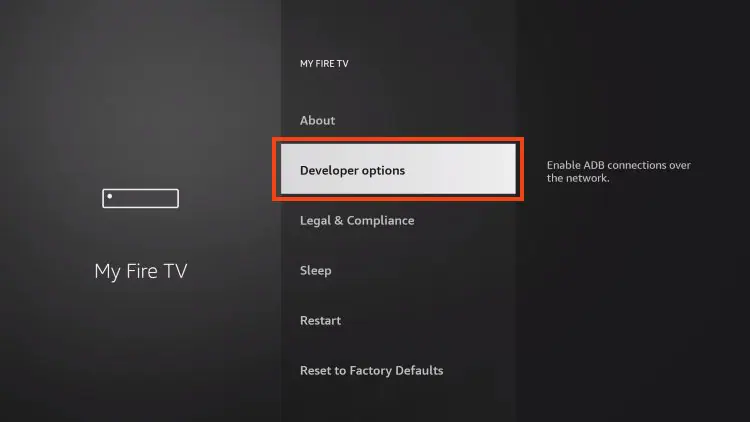
Go to Settings My Fire TV Developer Options Apps from Unknown Sources and turn it ON.
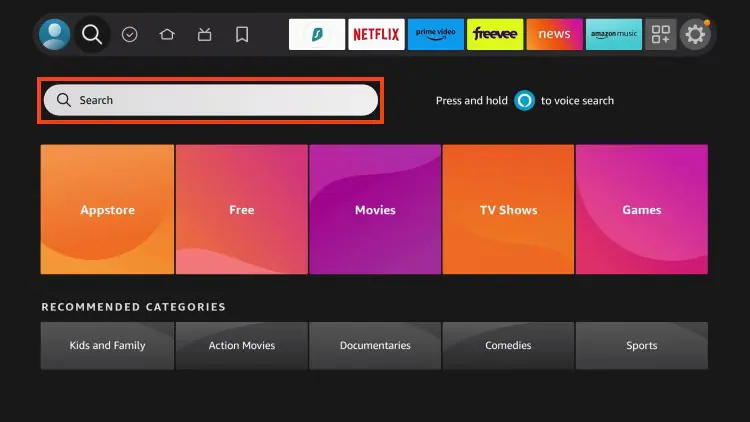
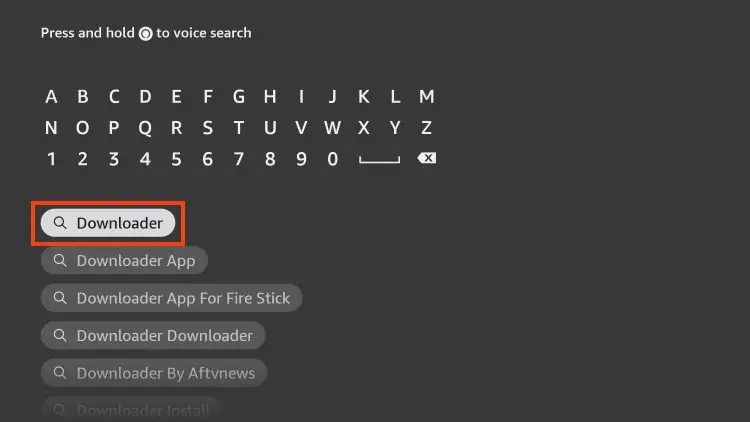
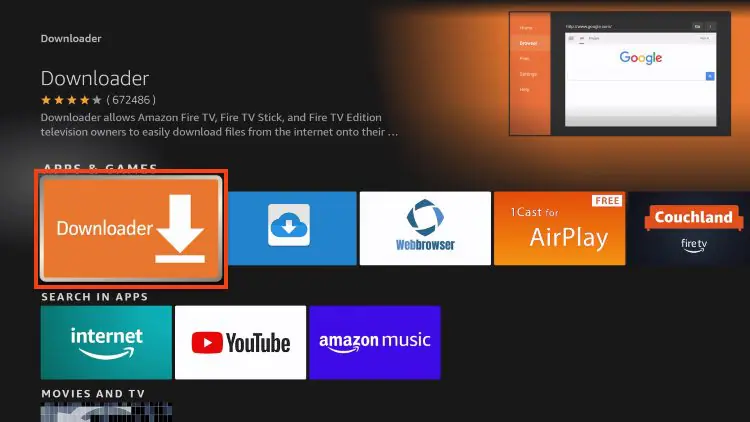
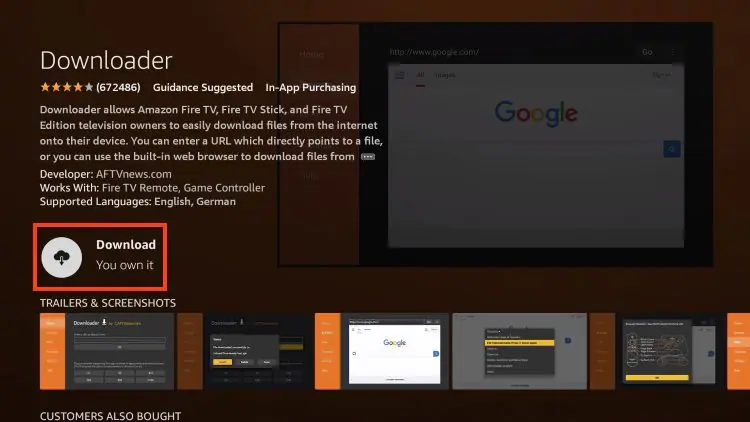
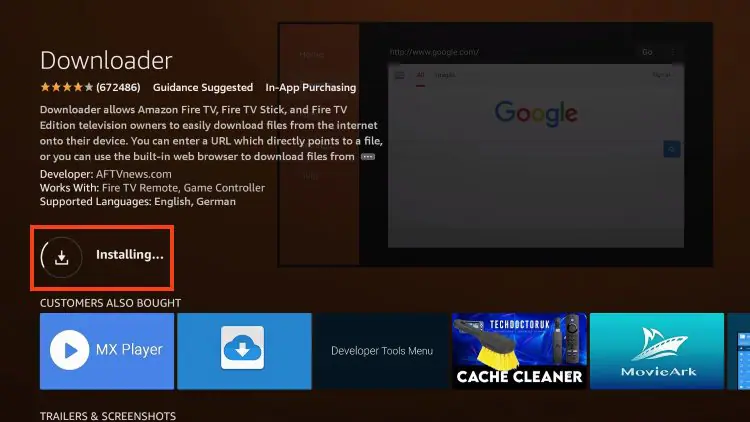
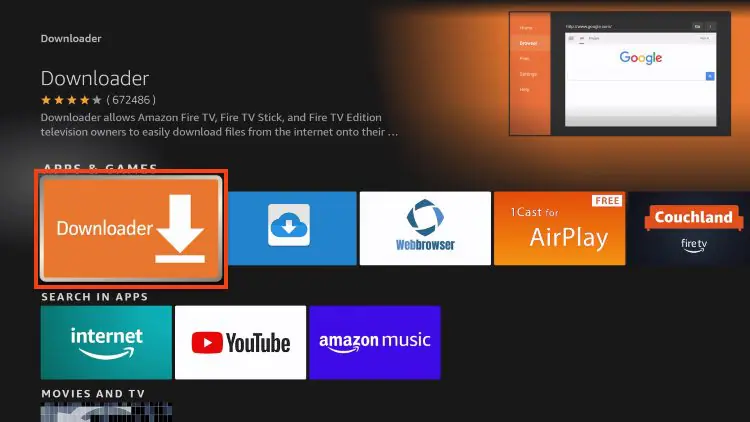
Download Downloader App
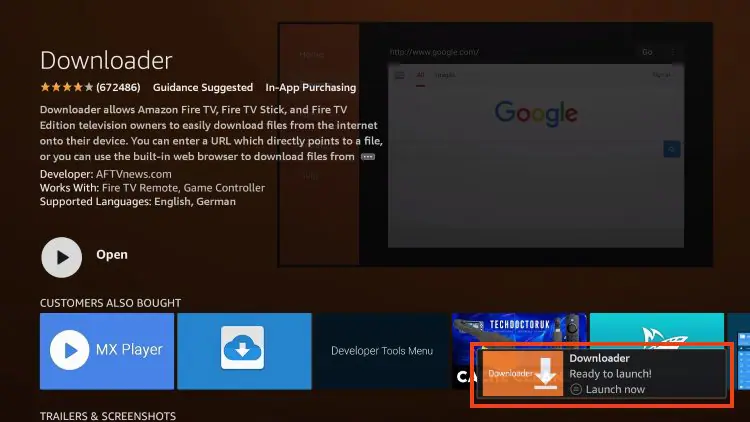
Search for "Downloader" in the Amazon App Store and install it.
Install IPTV Smarters Pro
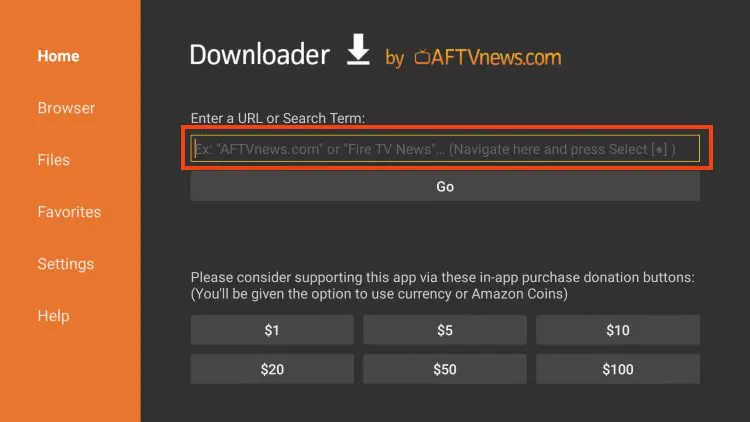
Open Downloader, enter the URL provided in your welcome email, and install the app.
Login with Your Credentials
Open IPTV Smarters Pro, select "Login with Xtream Codes API" and enter your username, password, and server URL.
Start Streaming
Click "Add User" and enjoy 45,000+ channels in 8K quality!
🍎 iOS / Apple TV Setup
Open App Store
Launch the App Store on your iPhone, iPad, or Apple TV.
Download IPTV Smarters Pro
Search for "IPTV Smarters Pro" and tap "Get" to download.
Launch the App
Open IPTV Smarters Pro from your home screen.
Enter Your Details
Select "Login with Xtream Codes" and input your credentials from the welcome email.
Start Streaming
Access all channels and enjoy premium content on your iOS device!
💻 Windows PC Setup
Download VLC Player
Visit videolan.org and download VLC Media Player (free and recommended).
Install VLC
Run the installer and follow the installation wizard.
Open VLC Player
Launch VLC Media Player on your Windows PC.
Load M3U Playlist
Go to Media > Open Network Stream, paste your M3U URL (from welcome email), and click Play.
Watch Your Channels
Browse the playlist and enjoy streaming on your PC!
🖥️ Mac Setup
Download VLC for Mac
Visit videolan.org and download VLC Media Player for macOS.
Install the Application
Open the .dmg file and drag VLC to your Applications folder.
Launch VLC
Open VLC from your Applications folder.
Add Your Playlist
Click File > Open Network, enter your M3U URL from the welcome email, and click Open.
Enjoy Streaming
Select any channel from the playlist and start watching!
📦 MAG Box Setup
Connect Your MAG Box
Connect your MAG box to your TV via HDMI and to the internet via Ethernet or WiFi.
Access Settings
Press the "Setup" button on your remote control.
Navigate to Servers
Go to System Settings > Servers > Portals.
Enter Portal URL
Input the portal URL provided in your welcome email and save.
Reboot and Watch
Restart your MAG box and enjoy all channels!
🔐 ENIGMA Setup
Access Main Menu
Press the "Menu" button on your ENIGMA remote control.
Navigate to Plugins
Go to Setup Plugins or Extensions.
Install IPTV Plugin
Download and install the IPTV plugin (e.g., E2iPlayer or XStreamity).
Configure IPTV Settings
Open the plugin and enter your M3U URL or Xtream Codes credentials provided in your welcome email.
Start Watching
Save settings and enjoy streaming 45,000+ channels!
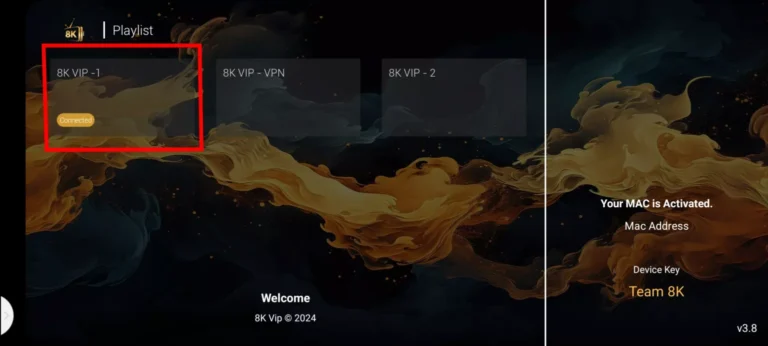
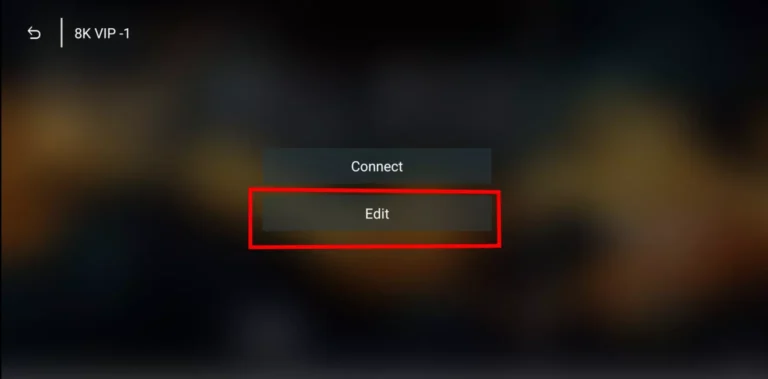
⭐ 8k Player VIP APP Setup
Download the VIP App
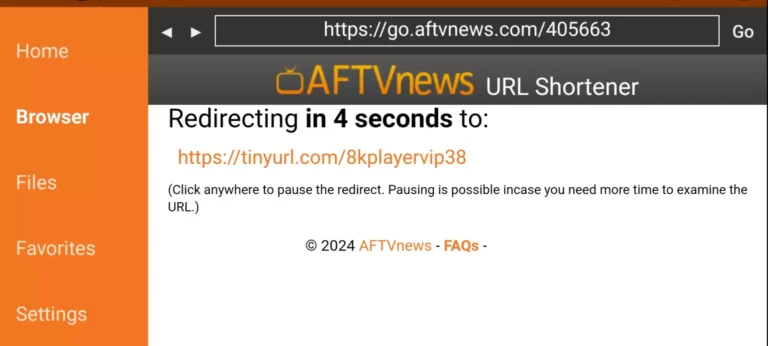
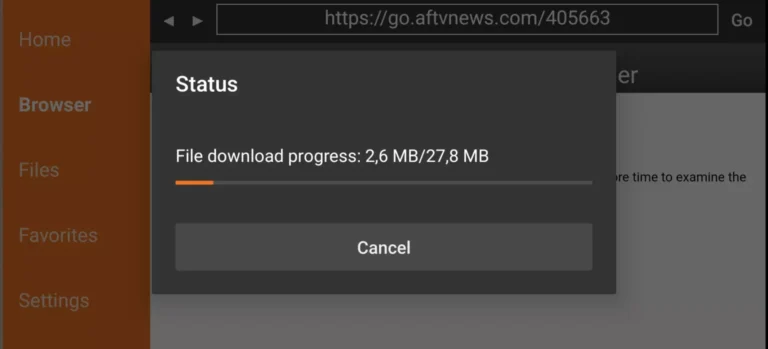
Use the download link provided in your welcome email to get the 8k Player VIP APP.
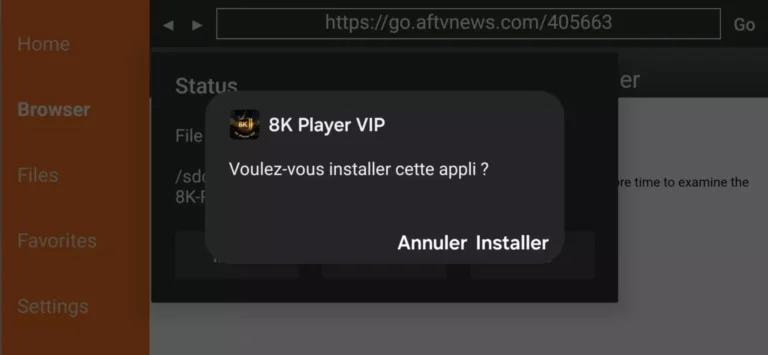
Install the Application
Follow the installation instructions for your device (Android, iOS, or Smart TV).
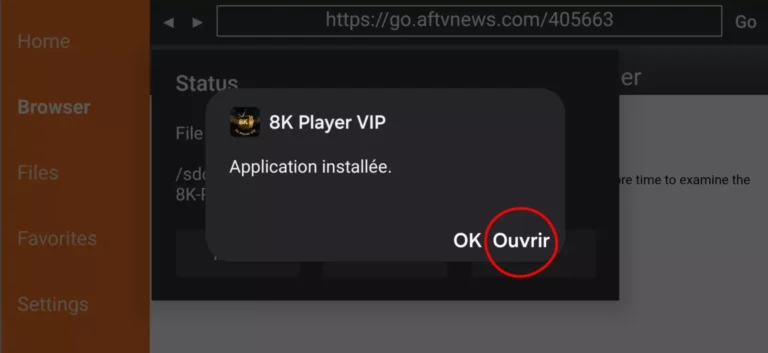
Launch the App
Open the 8k Player VIP APP from your device.
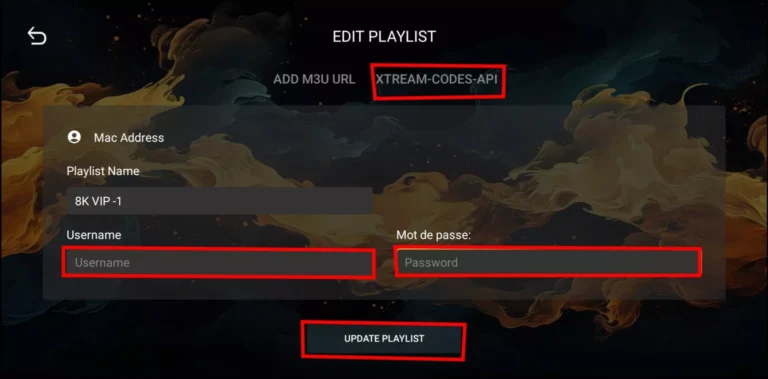
Enter VIP Credentials
Input your VIP username, password, and server details from your welcome email.
Enjoy Premium Content
Access exclusive 8K content and premium channels with your VIP subscription!